Daily, Weekly, Monthly Planner Notion Template
Take Control of Your Schedule and Achieve Your Goals With Ease! Unleash the Power of This Flexible Notion Template to Effortlessly Map Your Time.
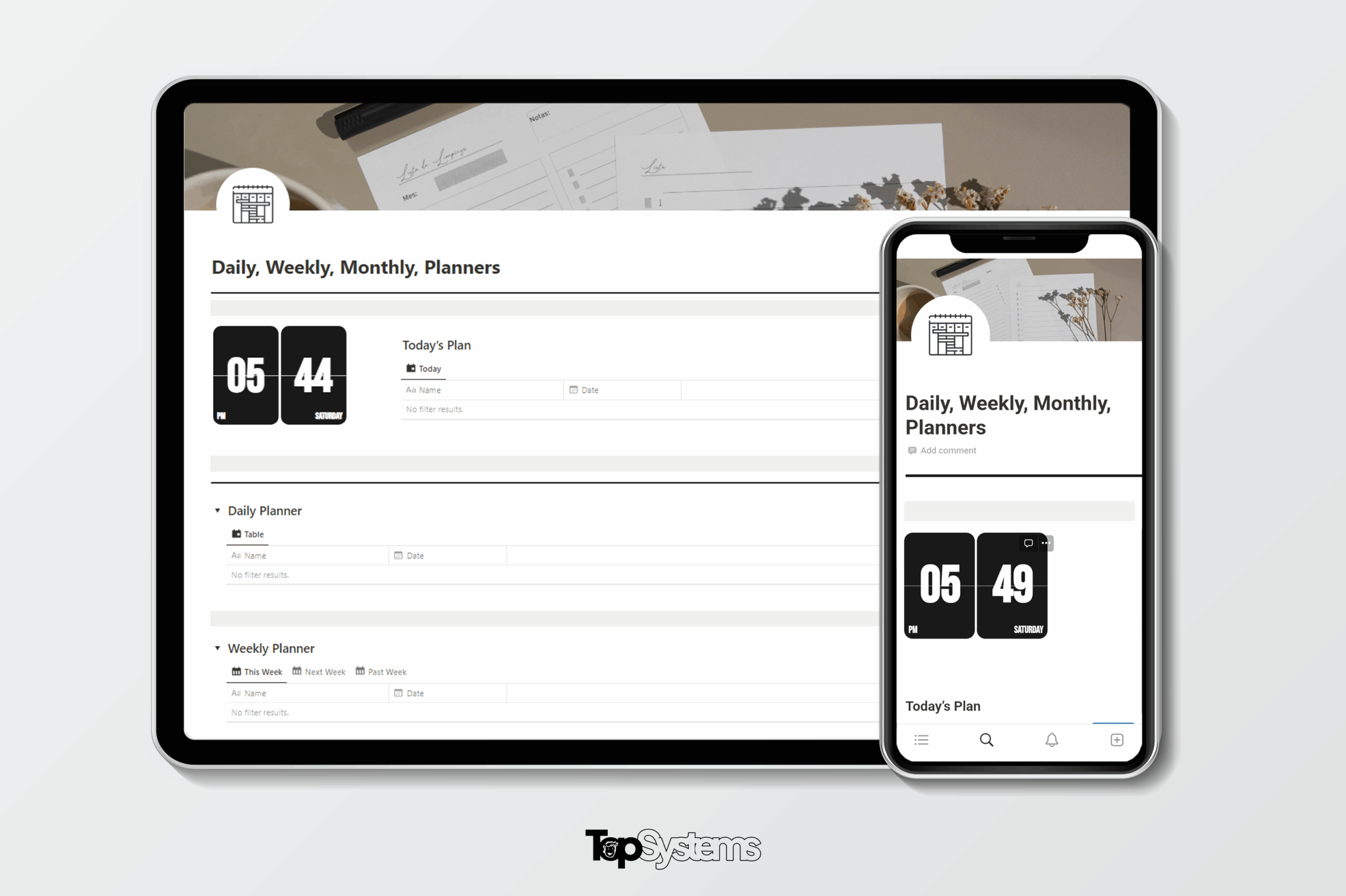
About this system
Description
Plan Your Days, Weeks, and Months Stress-Free: The Ultimate Daily, Weekly, Monthly Planner Notion Template
Take Control of Your Schedule and Achieve Your Goals With Ease! Unleash the Power of This Flexible Notion Template to Effortlessly Map Your Time.
IMPORTANT FEATURES
Take Charge of Your Schedule With This Powerful Planner Notion Template.
The Daily, Weekly, and Monthly Planner Notion Template makes organizing your time a breeze.
- Flexible Customization
Tailor the template to fit your needs. Add or remove sections, change colors and fonts, and make it uniquely yours. - Intuitive Planning
Easily map out your days, weeks, and months with dedicated areas for each. No more guessing about upcoming deadlines or events. - Seamless Notion Integration
Leverage Notion’s user-friendly interface to input tasks, track habits, record notes, and more. The template brings organization right where you already work. - Progress at a Glance
View your upcoming schedule and accomplished tasks in one place. Stay on top of your progress with this all-in-one planning powerhouse.
ORGANIZATION
Plan Your Time With Ease Using This Notion Template
This all-in-one planner provides everything you need to take control of your schedule. Here’s what you’ll find inside:
- Daily Planner: Map out your daily to-dos, appointments, and schedule in a dedicated space.
- Weekly Planner: See your week at a glance with sections for each day and week-long tasks.
- Monthly Planner: Organize key dates, deadlines, and big picture goals for the month ahead.
- Custom Sections:Add pages for habits, notes, project plans and any other areas you want to track.
- Notion Integration: Leverage Notion’s databases, priority tags, relations and more within the template.
- Progress Tracking: Mark tasks complete, record accomplishments, and visualize your time management.
- Customizable Views: Tailor calendar views by day, week, month, and more to fit your needs.
- Easy Filtering: Quickly focus on key tasks, projects, or categories using Notion’s filtering.
STREAMLINE YOUR SCHEDULING
Tired of disorganized calendars and scattered task lists?
Issues with existing time management solutions:
- Rigid formats that don’t fit your changing needs.
- Fragmented systems that lack big picture visibility.
- Manual tracking that’s time-consuming and error-prone.
We’ve taken a different approach:
See how our Daily, Weekly, Monthly Planner is better:
- Get started fast with our intuitive, flexible template.
- Customize it endlessly to match your preferences.
- Access your schedule anywhere with seamless mobile optimization.
Envision the Possibilities.
Picture your days overflowing with productivity as you effortlessly juggle tasks. See yourself conquering disorganization that once held you back. The Daily, Weekly, Monthly Planner Notion Template guides you to take control of your time, overcoming packed schedules, distractions, and missed deadlines—transforming you into a planning pro.
Experience the Change.
With this planner template, you’re not just adopting a new system—you’re making a real commitment to optimize your time. Now is the time to break free of inefficiency and chaos to step into a future where you make the most of every day.
Achieve More With Your Time
This template is about more than just planning; it’s about reaching your goals. Whether you want to boost productivity, advance your career, or find more work-life balance, this planner empowers you to make it happen by taking charge of your schedule.
Loading...